Best Apps for Teachers

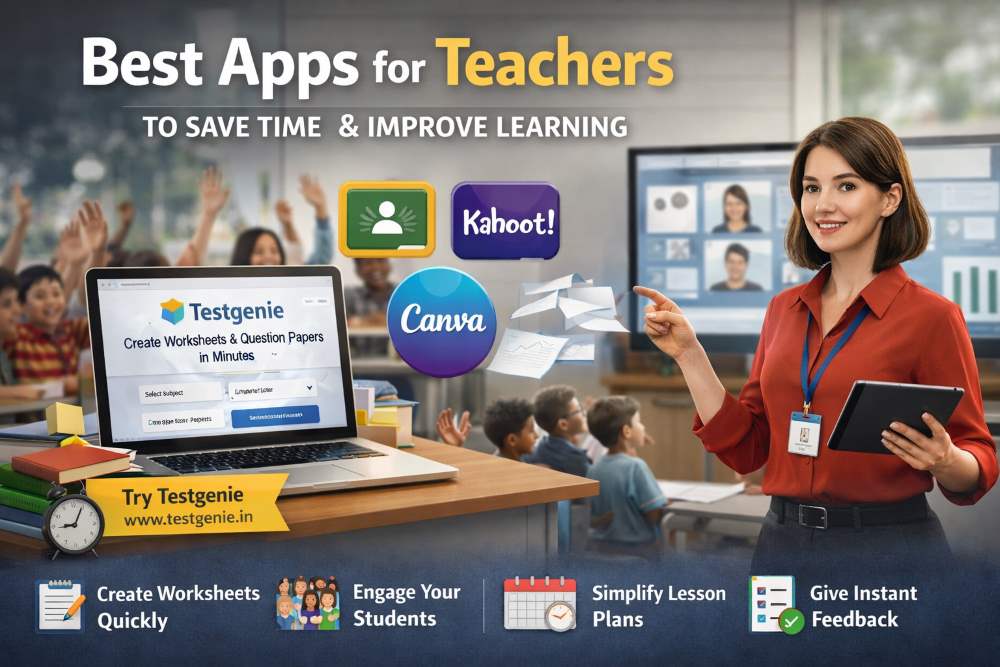
Best Apps for Teachers to Save Time and Improve Learning

Teaching today is not just about delivering lessons it’s about managing time, creating engaging content, and ensuring students truly understand what they learn. With increasing workload and limited time, teachers need smart tools that can simplify their daily tasks. This is where the best apps for teachers come into play.

One such powerful solution is Testgenie—a smart platform designed especially for teachers who want to save time and improve productivity.

Why Teachers Need Apps Today?

Modern classrooms demand more than traditional teaching methods. Teachers are expected to:

  • Plan lessons effectively
  • Track student performance
  • Engage students actively
  • Manage both online and offline teaching

Using the best apps for teachers helps in reducing workload and improving overall teaching quality. These apps act as digital assistants that make daily tasks easier and faster.

Best Apps for Teachers to Save Time and Improve Learning

Let’s explore some of the most useful apps that every teacher should consider.

1. Testgenie – Best for Worksheet and Paper Creation

As discussed earlier, Testgenie stands out as one of the best apps for teachers because it directly solves a major problem time-consuming content creation.

  • Create worksheets instantly
  • Generate question papers in minutes

Instead of manually designing worksheets, teachers can generate them instantly and focus more on student engagement.

2. Google Classroom – Best for Classroom Management

Google Classroom is widely used by teachers to manage assignments, share materials, and communicate with students.

It allows teachers to:

  • Create and distribute assignments
  • Track submissions
  • Provide feedback quickly

This app is especially useful for online and hybrid classrooms.

3. Canva – Best for Creative Teaching 

Canva helps teachers design visually appealing presentations, worksheets, and posters.

With ready-made templates, teachers can:

  • Create engaging classroom content
  • Design certificates and reports
  • Make lessons more interesting

It is perfect for teachers who want to make learning more visual and interactive.

4. Kahoot – Best for Interactive Learning

Kahoot makes learning fun by turning lessons into quizzes and games.

Teachers can:

  • Create quizzes easily
  • Conduct live classroom games
  • Increase student participation

It helps improve engagement and makes learning enjoyable.

5. Quizizz – Best for Self-Paced Learning

Quizizz allows students to learn at their own pace through quizzes and practice tests.

Key features include:

  • Homework quizzes
  • Instant feedback
  • Performance tracking

It is one of the best apps for teachers who want to monitor student progress effectively.

6. Microsoft OneNote – Best for Note Organization

OneNote helps teachers organize lesson plans, notes, and class materials in one place.

Teachers can:

  • Store all teaching content digitally
  • Share notes with students
  • Access materials anytime

It reduces the need for physical notebooks and paperwork.

7. Zoom – Best for Online Classes

Zoom became essential for virtual teaching. It allows teachers to conduct live classes and interact with students in real time.

Features include:

  • Screen sharing
  • Recording lectures
  • Breakout rooms for group activities

It is a must-have tool for online education.

8. Edmodo Best for Student Collaboration

Edmodo provides a platform where teachers and students can collaborate easily.

Teachers can:

  • Share assignments
  • Conduct discussions
  • Communicate with parents

It builds a connected learning environment.

Why Choose Testgenie for Smart Teaching?

If you are tired of spending hours creating worksheets and question papers, Testgenie is the perfect solution. It helps teachers generate worksheets, tests, and question papers in just a few minutes.

With an easy-to-use interface and smart features, Testgenie allows you to focus more on teaching rather than paperwork. Whether you teach primary classes or higher grades, this tool helps you create customized content quickly and efficiently.

Key Benefits of Testgenie:

  • Create worksheets instantly
  • Generate question papers in minutes
  • Save time on manual work
  • Improve teaching efficiency
  • Easy to use for all teachers

Starting with the right tool like Testgenie can make a huge difference in your teaching journey.

How These Apps Help Teachers Save Time?

Using the best apps for teachers can significantly reduce daily workload. Here’s how:

1. Automating Repetitive Tasks

Apps like Testgenie automate worksheet and test creation, saving hours of manual effort.

2. Easy Communication

Platforms like Google Classroom and Edmodo simplify communication with students and parents.

3. Quick Assessment

Tools like Quizizz provide instant results and performance analysis.

4. Organized Workflow

Apps like OneNote help in managing lesson plans and notes efficiently.

How Apps Improve Student Learning

These tools are not just for teachers—they also improve the learning experience for students.

1. Better Engagement

Interactive apps like Kahoot make learning fun and exciting.

2. Personalized Learning

Students can learn at their own pace using apps like Quizizz.

3. Visual Learning

Design tools like Canva help create visually appealing study materials.

4. Instant Feedback

Students get quick feedback, helping them improve faster.

Frequently Asked Questions

1. What are the best apps for teachers to save time?

The best apps include Testgenie, Google Classroom, Quizizz, and Canva. These tools help automate tasks and improve efficiency.

Testgenie helps teachers create worksheets and question papers in minutes, saving time and reducing manual effort.

Yes, many apps like Testgenie and OneNote can be used for both offline and online teaching.

Kahoot and Quizizz are great for improving student engagement through interactive quizzes.

Most of the best apps for teachers are designed to be user-friendly, making them suitable for beginners.